dumpspedia logo

You must connect to the correct host . Failure to do so may result in a zero score.
[candidate@base] $ ssh ckad00034c
Task
A Deployment named content-marlin-deployment , running in namespace content-marlin is exposed via Ingress content-marlin-ingress .
The manifest files for the Deployment, Service and Ingress can be found at /home/candidate/content-marlin/.
The Deployment is supposed to be reachable at
http://content-marlin.local/content-marlin , but requesting this URL is currently returning an error.

Set Configuration Context:
[student@node-1] $ | kubectl
Config use-context k8s
Context
A container within the poller pod is hard-coded to connect the nginxsvc service on port 90 . As this port changes to 5050 an additional container needs to be added to the poller pod which adapts the container to connect to this new port. This should be realized as an ambassador container within the pod.
Task
• Update the nginxsvc service to serve on port 5050.
• Add an HAproxy container named haproxy bound to port 90 to the poller pod and deploy the enhanced pod. Use the image haproxy and inject the configuration located at /opt/KDMC00101/haproxy.cfg, with a ConfigMap named haproxy-config, mounted into the container so that haproxy.cfg is available at /usr/local/etc/haproxy/haproxy.cfg. Ensure that you update the args of the poller container to connect to localhost instead of nginxsvc so that the connection is correctly proxied to the new service endpoint. You must not modify the port of the endpoint in poller's args . The spec file used to create the initial poller pod is available in /opt/KDMC00101/poller.yaml
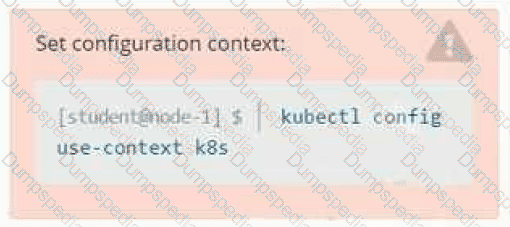
Set Configuration Context:
[student@node-1] $ | kubectl
Config use-context k8s
Context
You sometimes need to observe a pod's logs, and write those logs to a file for further analysis.
Task
Please complete the following;
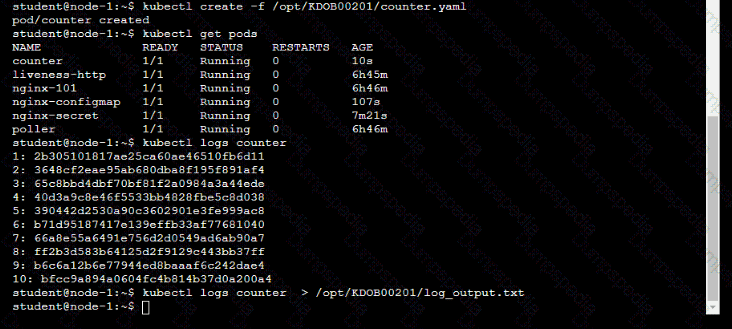
• Deploy the counter pod to the cluster using the provided YAMLspec file at /opt/KDOB00201/counter.yaml
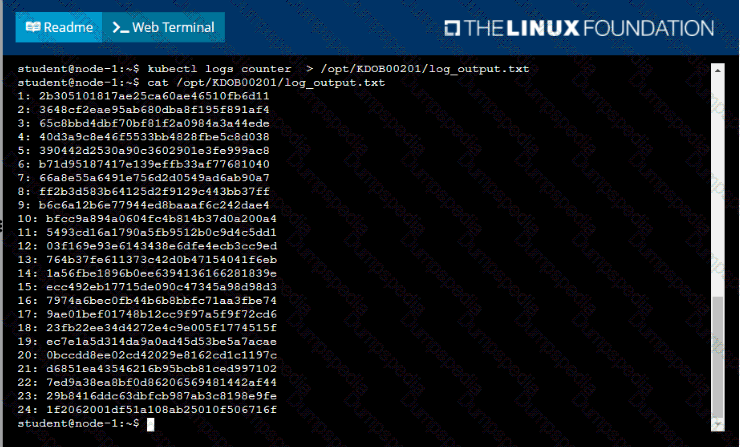
• Retrieve all currently available application logs from the running pod and store them in the file /opt/KDOB0020l/log_Output.txt, which has already been created

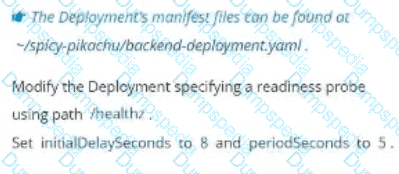
Task
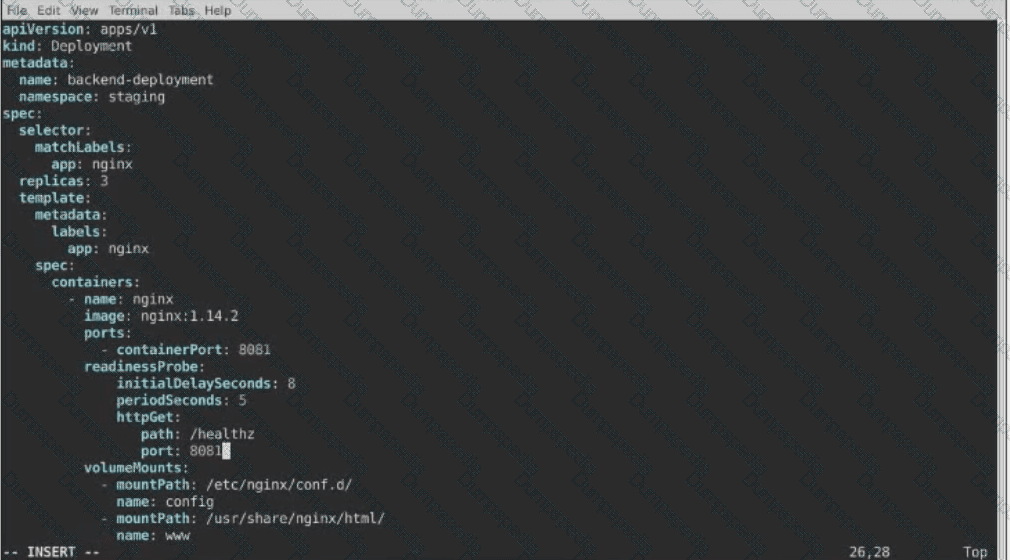
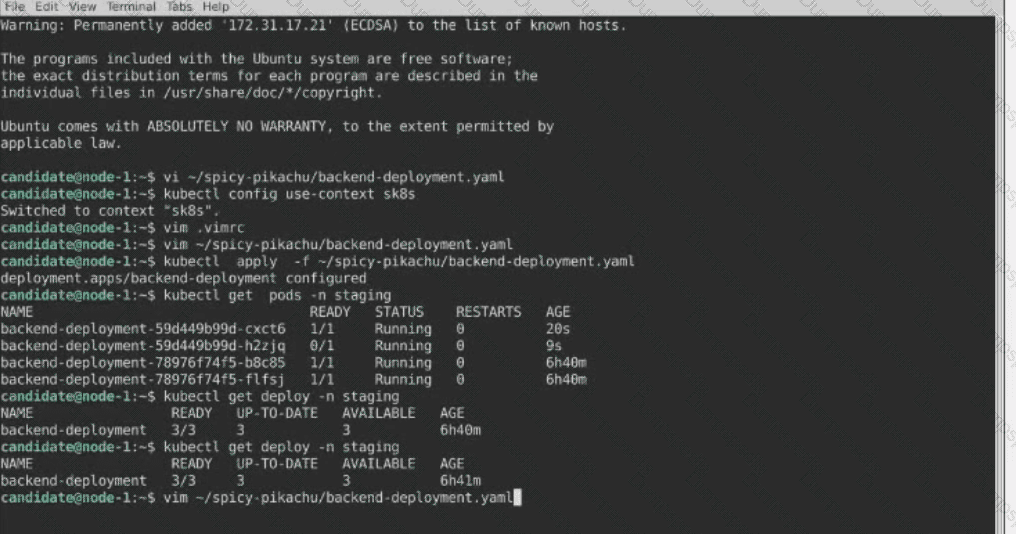
A Deployment named backend-deployment in namespace staging runs a web application on port 8081.
Context
You are asked to deploy an application developed for an older version of Kubernetes on a cluster running a recent version of Kubernetes .
You must connect to the correct host . Failure to do so may result in a zero score.
[candidate@base] $ ssh ckad00026
Task
Fix any API -deprecation issues in the manitest file
/home/candidate/credible-mite/web.yaml
so that the application can be deployed on cluster ckad00026.
The application was developed for Kubernetes v1.15.
The cluster ckad00026 runs Kubernetes 1.29+.
Deploy the application specified in the updated manifest file
/home/candidate/credible-mite/web.yaml in namespace garfish .

Set Configuration Context:
[student@node-1] $ | kubectl
Config use-context k8s
Context
A web application requires a specific version of redis to be used as a cache.
Task
Create a pod with the following characteristics, and leave it running when complete:
• The pod must run in the web namespace.
The namespace has already been created
• The name of the pod should be cache
• Use the Ifccncf/redis image with the 3.2 tag
• Expose port 6379

Task:
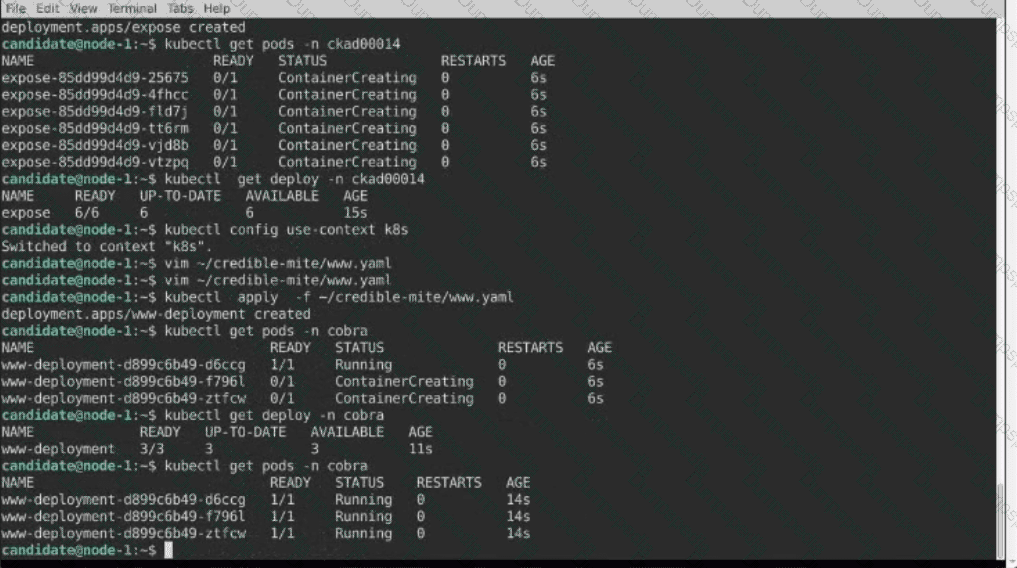
1) Fix any API depreciation issues in the manifest file -/credible-mite/www.yaml so that this application can be deployed on cluster K8s.

2) Deploy the application specified in the updated manifest file -/credible-mite/www.yaml in namespace cobra
You must connect to the correct host . Failure to do so may result in a zero score.
[candidate@base] $ ssh ckad00032
The Pod for the Deployment named nosql in the haddock namespace fails to start because its Container runs out of resources.
Update the nosql Deployment so that the Container :
requests 128Mi of memory
limits the memory to half the maximum memory constraint set for the haddock namespace

Task:
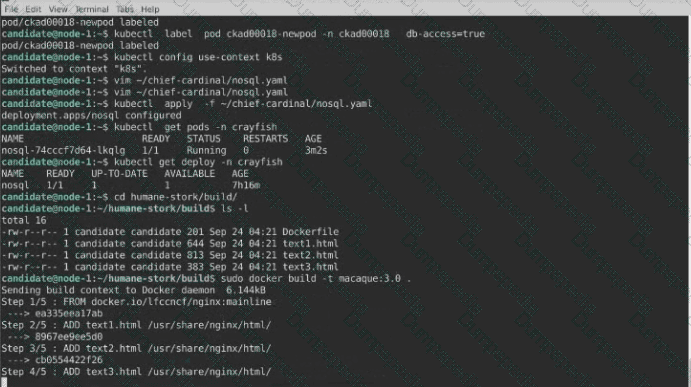
A Dockerfile has been prepared at -/human-stork/build/Dockerfile
1) Using the prepared Dockerfile, build a container image with the name macque and lag 3.0. You may install and use the tool of your choice.

2) Using the tool of your choice export the built container image in OC-format and store it at -/human stork/macque 3.0 tar

Context
As a Kubernetes application developer you will often find yourself needing to update a running application.
Task
Please complete the following:
• Update the app deployment in the kdpd00202 namespace with a maxSurge of 5% and a maxUnavailable of 2%
• Perform a rolling update of the web1 deployment, changing the Ifccncf/ngmx image version to 1.13
• Roll back the app deployment to the previous version

Context
Developers occasionally need to submit pods that run periodically.
Task
Follow the steps below to create a pod that will start at a predetermined time and]which runs to completion only once each time it is started:
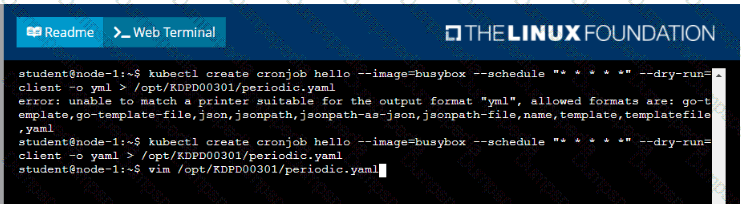
• Create a YAML formatted Kubernetes manifest /opt/KDPD00301/periodic.yaml that runs the following shell command: date in a single busybox container. The command should run every minute and must complete within 22 seconds or be terminated oy Kubernetes. The Cronjob namp and container name should both be hello
• Create the resource in the above manifest and verify that the job executes successfully at least once

TESTED 16 Sep 2026