dumpspedia logo

Use the kubesec docker images to scan the given YAML manifest, edit and apply the advised changes, and passed with a score of 4 points.
kubesec-test.yaml
apiVersion: v1
kind: Pod
metadata:
name: kubesec-demo
spec:
containers:
- name: kubesec-demo
image: gcr.io/google-samples/node-hello:1.0
securityContext:
readOnlyRootFilesystem: true
Hint: docker run -i kubesec/kubesec:512c5e0 scan /dev/stdin < kubesec-test.yaml
You can switch the cluster/configuration context using the following command:
[desk@cli] $ kubectl config use-context test-account
Task: Enable audit logs in the cluster.
To do so, enable the log backend, and ensure that:
1. logs are stored at /var/log/Kubernetes/logs.txt
2. log files are retained for 5 days
3. at maximum, a number of 10 old audit log files are retained
A basic policy is provided at /etc/Kubernetes/logpolicy/audit-policy.yaml. It only specifies what not to log.
Note: The base policy is located on the cluster's master node.
Edit and extend the basic policy to log:
1. Nodes changes at RequestResponse level
2. The request body of persistentvolumes changes in the namespace frontend
3. ConfigMap and Secret changes in all namespaces at the Metadata level
Also, add a catch-all rule to log all other requests at the Metadata level
Note: Don't forget to apply the modified policy.
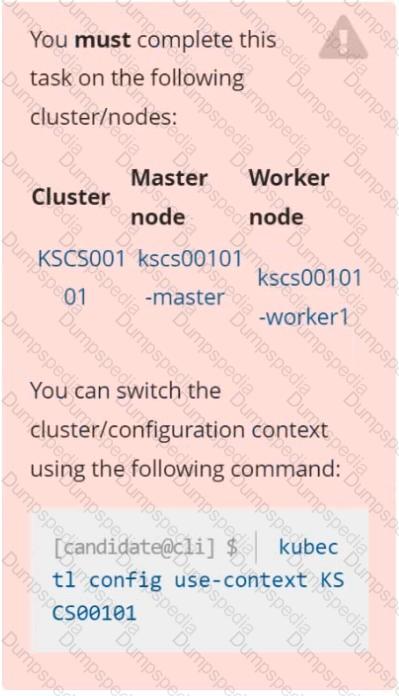
Context
A default-deny NetworkPolicy avoids to accidentally expose a Pod in a namespace that doesn't have any other NetworkPolicy defined.
Task
Create a new default-deny NetworkPolicy named defaultdeny in the namespace testing for all traffic of type Egress.
The new NetworkPolicy must deny all Egress traffic in the namespace testing.
Apply the newly created default-deny NetworkPolicy to all Pods running in namespace testing.
Enable audit logs in the cluster, To Do so, enable the log backend, and ensure that
1. logs are stored at /var/log/kubernetes-logs.txt.
2. Log files are retained for 12 days.
3. at maximum, a number of 8 old audit logs files are retained.
4. set the maximum size before getting rotated to 200MB
Edit and extend the basic policy to log:
1. namespaces changes at RequestResponse
2. Log the request body of secrets changes in the namespace kube-system.
3. Log all other resources in core and extensions at the Request level.
4. Log "pods/portforward", "services/proxy" at Metadata level.
5. Omit the Stage RequestReceived
All other requests at the Metadata level
Cluster: dev
Master node: master1
Worker node: worker1
You can switch the cluster/configuration context using the following command:
[desk@cli] $ kubectl config use-context dev
Task:
Retrieve the content of the existing secret named adam in the safe namespace.
Store the username field in a file names /home/cert-masters/username.txt, and the password field in a file named /home/cert-masters/password.txt.
1. You must create both files; they don't exist yet.
2. Do not use/modify the created files in the following steps, create new temporary files if needed.
Create a new secret names newsecret in the safe namespace, with the following content:
Username: dbadmin
Password: moresecurepas
Finally, create a new Pod that has access to the secret newsecret via a volume:
Namespace:safe
Pod name:mysecret-pod
Container name:db-container
Image:redis
Volume name:secret-vol
Mount path:/etc/mysecret
Documentation Deployment, Pod, Namespace
You must connect to the correct host . Failure to do so may result in a zero score.
[candidate@base] $ ssh cks000028
Context
You must update an existing Pod to ensure the immutability of its containers.
Task
Modify the existing Deployment named lamp-deployment, running in namespace lamp, so that its containers:
. run with user ID 20000
. use a read-only root filesystem
. forbid privilege escalation
The Deployment's manifest file con be found at /home/candidate/finer-sunbeam/lamp-deployment.yaml.
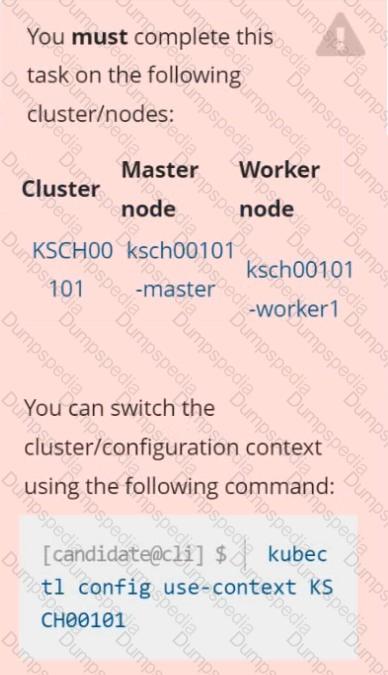
Context
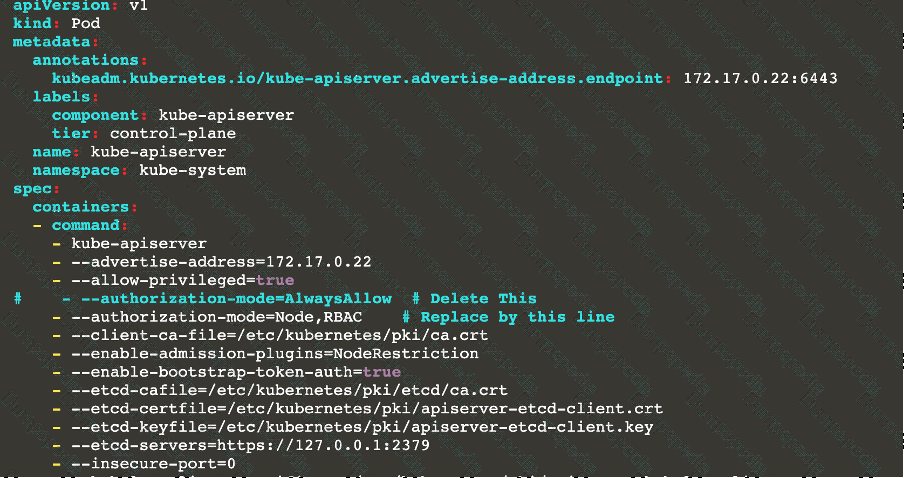
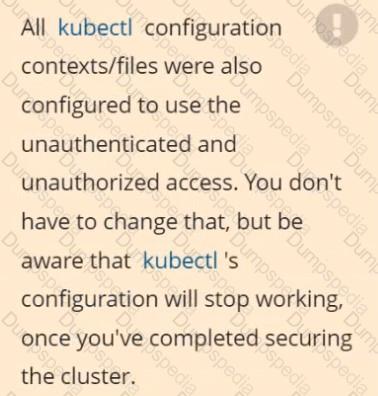
The kubeadm-created cluster's Kubernetes API server was, for testing purposes, temporarily configured to allow unauthenticated and unauthorized access granting the anonymous user duster-admin access.
Task
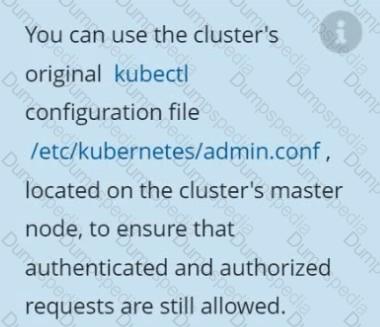
Reconfigure the cluster's Kubernetes API server to ensure that only authenticated and authorized REST requests are allowed.
Use authorization mode Node,RBAC and admission controller NodeRestriction.
Cleaning up, remove the ClusterRoleBinding for user system:anonymous.
Documentation Secrets, TLS Secrets, Volumes
You must connect to the correct host . Failure to do so may result in a zero score.
[candidate@base] $ ssh cks000m40
Path
Key
Context
You must complete securing access to a web server using SSL files stored in a TLS Secret .
Task
Create a TLS Secret named clever-cactus in the clever-cactus namespace for an existing Deployment named clever-cactus.
Use the following SSL files:
File
Certificate /home/candidate/clever-cactus/web.k8s.local.crt
/home/candidate/clever-cactus/web.k8s.local.key
The Deployment is already configured to use the TLS Secret.
Do not modify the existing Deployment.
Failure to do so may result in a reduced score.
Create a new NetworkPolicy named deny-all in the namespace testing which denies all traffic of type ingress and egress traffic
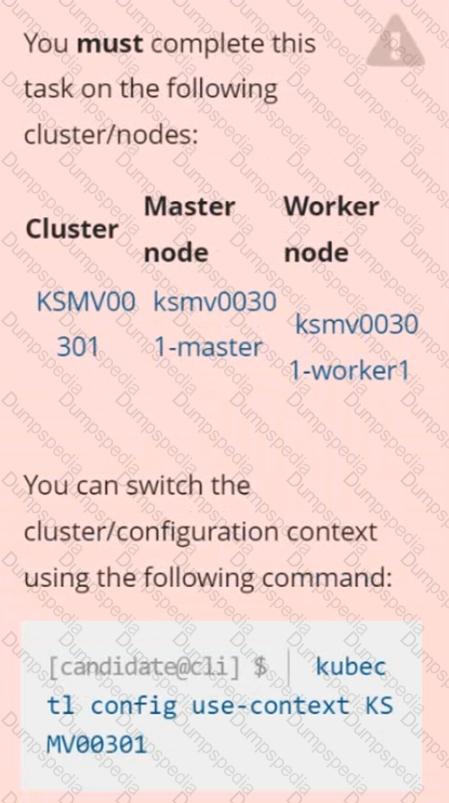
Context
This cluster uses containerd as CRI runtime.
Containerd's default runtime handler is runc. Containerd has been prepared to support an additional runtime handler, runsc (gVisor).
Task
Create a RuntimeClass named sandboxed using the prepared runtime handler named runsc.
Update all Pods in the namespace server to run on gVisor.
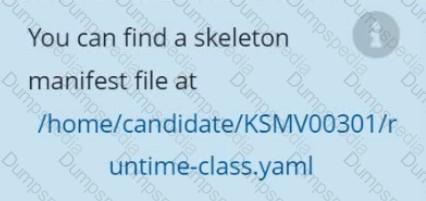
Using the runtime detection tool Falco, Analyse the container behavior for at least 20 seconds, using filters that detect newly spawning and executing processes in a single container of Nginx.
store the incident file art /opt/falco-incident.txt, containing the detected incidents. one per line, in the format
[timestamp],[uid],[processName]
Create a RuntimeClass named gvisor-rc using the prepared runtime handler named runsc.
Create a Pods of image Nginx in the Namespace server to run on the gVisor runtime class
You can switch the cluster/configuration context using the following command:
[desk@cli] $ kubectl config use-context qa
Context:
A pod fails to run because of an incorrectly specified ServiceAccount
Task:
Create a new service account named backend-qa in an existing namespace qa, which must not have access to any secret.
Edit the frontend pod yaml to use backend-qa service account
Note: You can find the frontend pod yaml at /home/cert_masters/frontend-pod.yaml
Analyze and edit the given Dockerfile
FROM ubuntu:latest
RUN apt-get update -y
RUN apt-install nginx -y
COPY entrypoint.sh /
ENTRYPOINT ["/entrypoint.sh"]
USER ROOT
Fixing two instructions present in the file being prominent security best practice issues
Analyze and edit the deployment manifest file
apiVersion: v1
kind: Pod
metadata:
name: security-context-demo-2
spec:
securityContext:
runAsUser: 1000
containers:
- name: sec-ctx-demo-2
image: gcr.io/google-samples/node-hello:1.0
securityContext:
runAsUser: 0
privileged: True
allowPrivilegeEscalation: false
Fixing two fields present in the file being prominent security best practice issues
Don't add or remove configuration settings; only modify the existing configuration settings
Whenever you need an unprivileged user for any of the tasks, use user test-user with the user id 5487
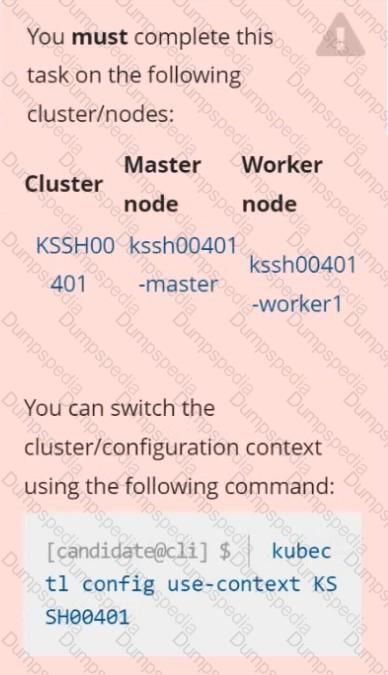
Context
AppArmor is enabled on the cluster's worker node. An AppArmor profile is prepared, but not enforced yet.

Task
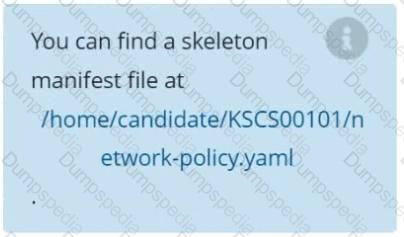
On the cluster's worker node, enforce the prepared AppArmor profile located at /etc/apparmor.d/nginx_apparmor.
Edit the prepared manifest file located at /home/candidate/KSSH00401/nginx-pod.yaml to apply the AppArmor profile.
Finally, apply the manifest file and create the Pod specified in it.
You can switch the cluster/configuration context using the following command:
[desk@cli] $ kubectl config use-context dev
Context:
A CIS Benchmark tool was run against the kubeadm created cluster and found multiple issues that must be addressed.
Task:
Fix all issues via configuration and restart the affected components to ensure the new settings take effect.
Fix all of the following violations that were found against the API server:
1.2.7 authorization-mode argument is not set to AlwaysAllow FAIL
1.2.8 authorization-mode argument includes Node FAIL
1.2.7 authorization-mode argument includes RBAC FAIL
Fix all of the following violations that were found against the Kubelet:
4.2.1 Ensure that the anonymous-auth argument is set to false FAIL
4.2.2 authorization-mode argument is not set to AlwaysAllow FAIL (Use Webhook autumn/authz where possible)
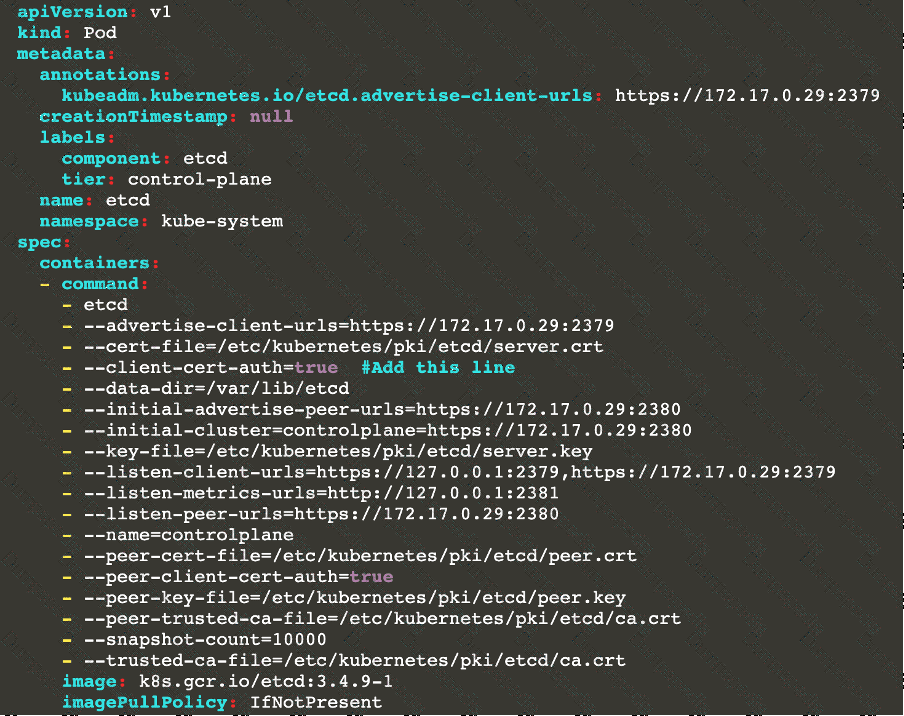
Fix all of the following violations that were found against etcd:
2.2 Ensure that the client-cert-auth argument is set to true

TESTED 17 Sep 2026